
Eva: I was given the key to John's digital life. But the doors stayed closed.
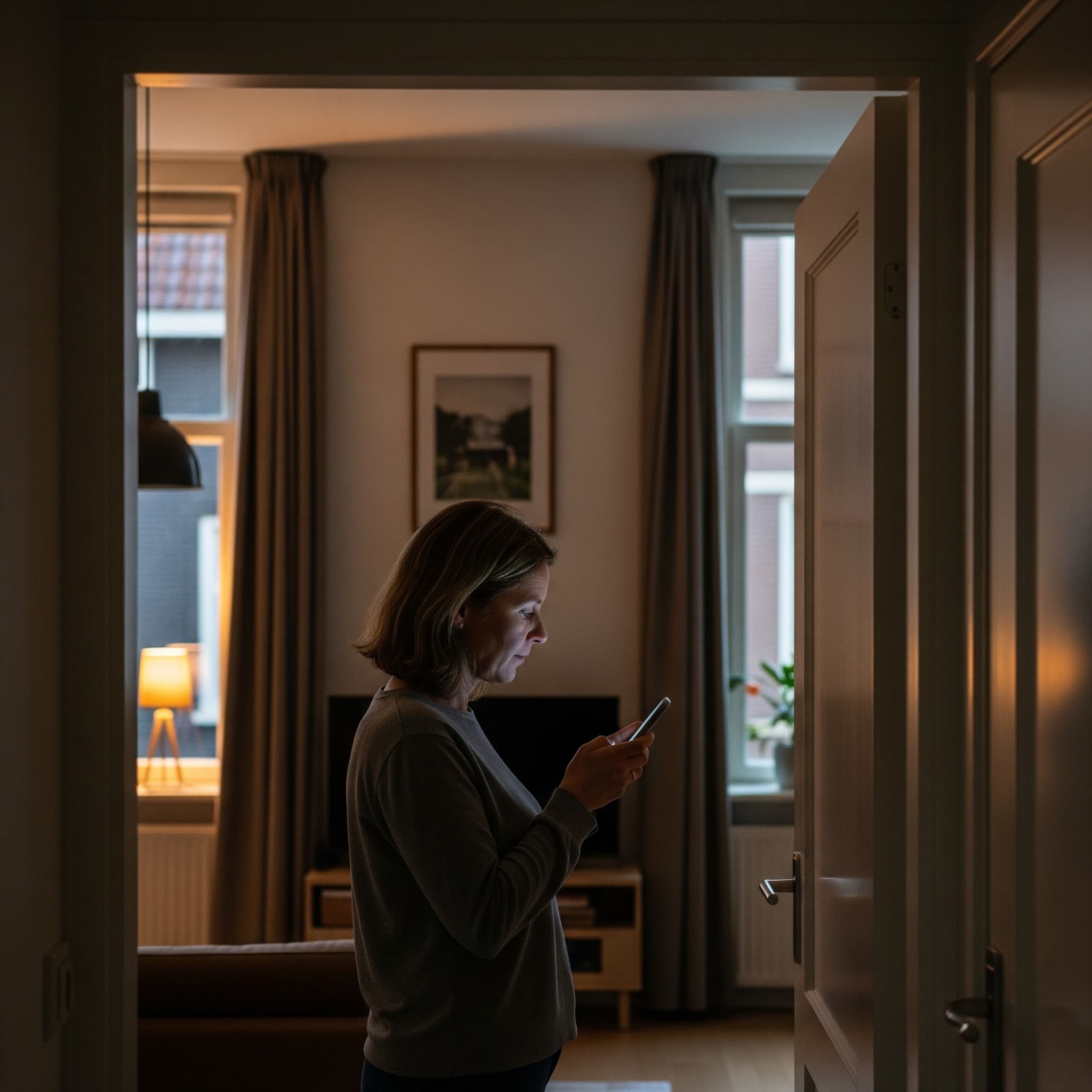
Eva (52) thought her husband had taken care of everything perfectly. He left her one password for every single account. Convenient, she thought. Until she discovered that this golden key was more like entry to a maze.
‘Honey, if anything ever happens to me, this is all you need.’ John put a slip of paper in the vault, with one exceptionally long password on it. The master password to his password manager. ‘Everything is in here,’ he said. From Netflix to the bank. From health insurance to the Tax Authority.
And truth be told: I was relieved. John was always the tech guy of the two of us. He could come up with three new passwords while I was still trying to find the remote control. So the fact that he had organized this? Classic John.
When he passed away last year, the blow was huge. But somewhere, that piece of paper gave me peace of mind. At least something had been taken care of.
After the funeral, I opened his laptop, typed in the password and… sure enough, there was a list of nearly 300 accounts. From the bank to Spotify, from the Tax Authority to obscure tech sites. I thought: this is straightforward. A bit of work and then I'm done.
The bank seemed like a logical first step. I copied the username and password. Logged in. Going well, I thought. Until a screen popped up: ‘Enter the code from your 2FA Authenticator.’
2FA? I had no idea what that was. After some Googling, I found out these are extra security codes generated via an app on his phone. But which app that was, I didn't know. He had forgotten that one tiny detail: you need more than just a password.
I tried health insurance. That code again. The credit card. Same thing. The twenty most important accounts all turned out to have extra security. Which is great while you're alive, but downright frustrating when your widow is trying to log in.
The remaining accounts were another story altogether. There were items among them I had never heard of: Cloudflare, DigitalOcean, Namecheap. Was I supposed to do something with those? Were we paying for them? Or was this a forgotten hobby project from 2009? It felt like being handed a keyring with hundreds of keys, but nobody had told me where the doors were.
After staring at that list for a few weeks, I knew: John had done it with the best of intentions, but it was a job half done. I had the passwords, but not the story behind them.
————
A password manager is an essential tool for digital security, but it is not an estate plan. Without the right context and access to two-factor authentication (2FA), you leave your loved ones with an unsolvable puzzle. A service like Veault is the perfect addition. It helps you not only store passwords, but also capture the necessary context, instructions, and recovery codes. That way, you don't leave behind a data dump, but a clear, actionable guide.

You know what matters to you. Now is the time to secure it safely.
Start Your Own Vault
This article was written by
Léon van Leeuwen
As the founder of Veault and an expert in digital security, Léon is committed to turning the complex challenge of digital legacy into a remarkably simple, accessible, and 100% secure platform.
Read our other blogs
Forgotten Passwords: The Hidden Risks of Your Browser Storage
Do you use Google Chrome or Safari to remember passwords? Discover why this is dangerous for your family and how you can secure your legacy.
March 10, 2026

Your Business After Death: Securing Business Digital Assets
What happens to your business and online accounts after death? Learn how, as a freelancer or entrepreneur, you can securely transfer your business digital assets using a vault.
March 10, 2026