
Facebook & Instagram After Death: Memorialize or Delete?
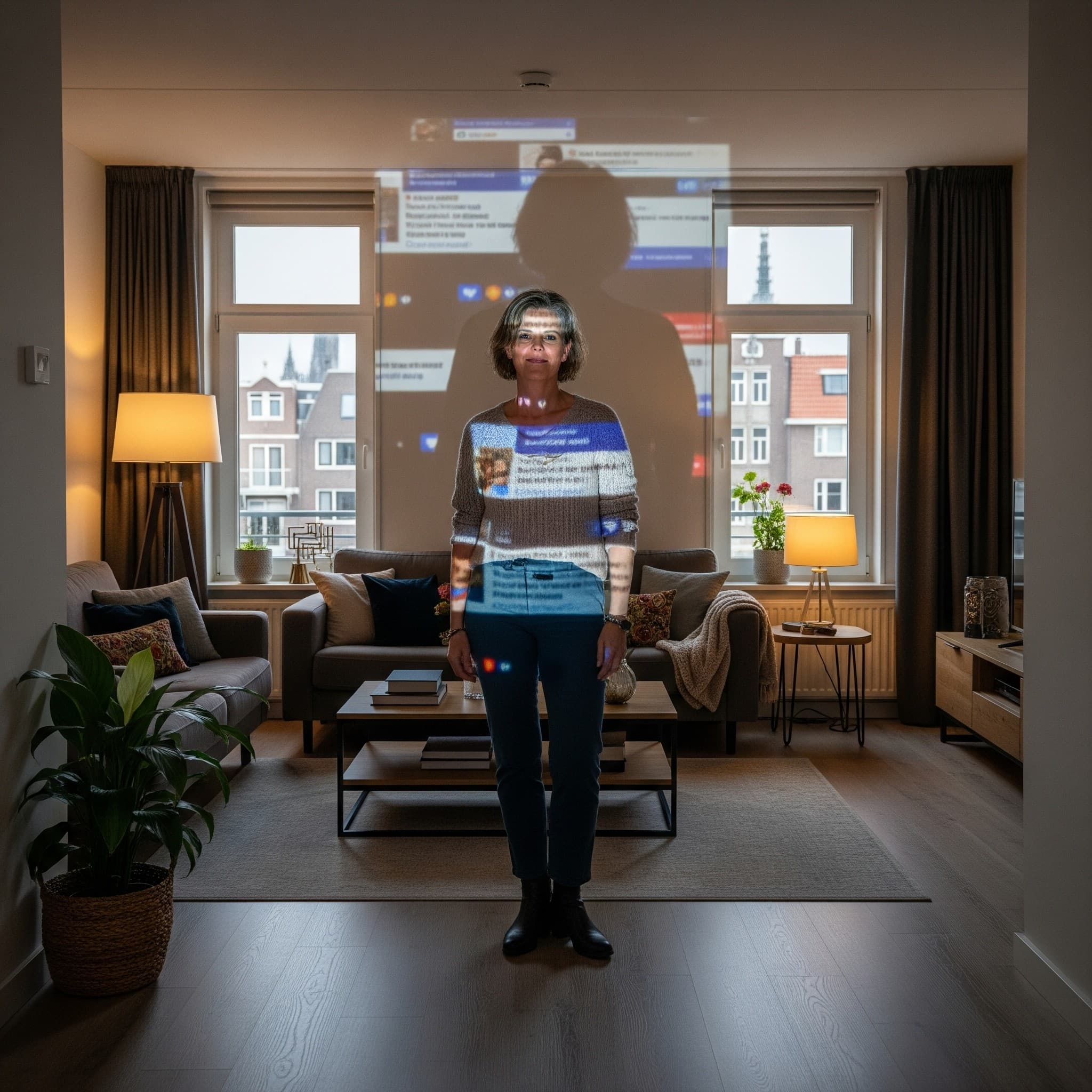
Your social media profiles reflect your life, your friendships, and your memories. But what happens to those profiles when you are no longer here?
Without a plan, a profile can become a painful reminder. Friends who aren't aware send birthday wishes, or the account becomes a target for hackers. Organizing your social media isn't about death; it's about respectfully curating your digital legacy.
You have two choices: allow the profile to continue as a place of remembrance, or have it permanently deleted. In this guide, we explain how to record that choice today.
How Do You Set Up Memorial Status for Facebook?
Facebook (now Meta) offers the most comprehensive options. You can proactively set up two things:
- A contact person for legacy accounts (Legacy Contact):
- You can appoint one person who will receive limited control over your account after your death.
- This person can post a pinned message on your profile (e.g., with funeral details), respond to friend requests, and update your profile picture.
- Important: This person can not log in, read your messages, or remove friends.
- Setting up Memorial Status or Deletion:
- Memorial Status: You can set your account to be converted into a "memorialized page". The words "Remembering" will be placed next to your name. Friends can share memories on the timeline.
- Delete Account: You can also choose to have your account permanently deleted after your death.
What about Instagram and LinkedIn after death?
Other platforms offer fewer proactive options, placing the burden on your loved ones.
- Instagram (also Meta): Instagram has not no proactive settings. Loved ones must submit a request after your death (with proof, such as a death certificate) to convert the account to memorial status or have it deleted.
- LinkedIn: The same applies to LinkedIn. Loved ones must submit a formal request to remove a LinkedIn profile after death.
The limitations: An incomplete and fragmented policy
The official tools fall short in three fundamental ways:
- It is incomplete: What about X (formerly Twitter)? Pinterest? TikTok? Every platform has its own cumbersome policy. There is nowhere central to record your wishes for all your profiles.
- It offers no control over data: Facebook's 'Legacy Contact' cannot download your photo albums. If you want your family to have a copy of those thousands of photos, this feature offers no solution.
- It is passive: You set it up once and forget it. What if your appointed contact person is no longer on Facebook themselves? It provides your family with no active, clear instructions.
The right solution: Your wishes centralized (the Veault method)
The only way to manage this properly is by recording your wishes for every platform in one central, secure, and shareable place.
Step 1: Take Inventory
Instead of scouring every platform yourself, let yourself be guided. Veault's guided process asks you about your social media accounts—not just Facebook, but also LinkedIn, Instagram, X, etc. You are guided to create a complete overview.
Step 2: Record Context & Wishes
This is the most important part. For every account you add, you provide specific instructions. This is the human layer that tech platforms lack. It is a way of leaving a personal message.
- Example 1 (Facebook): "Please convert to memorial status. [Partner's name] is the contact person. There is no need to download the account."
- Example 2 (Instagram): "There are thousands of family photos here. Please download the complete archive. Once that is safely saved, the account may be permanently deleted."
- Example 3 (LinkedIn): "Please delete immediately and permanently to avoid professional confusion."
Step 3: Grant Access (If Desired)
For some accounts (such as Instagram), it is much easier for loved ones to download the data if they can log in. In your Veault vault, you can store the login details linked to that specific instruction in a 100% secure, encrypted way.
Conclusion: Leave a guide, not a riddle
The fate of your digital identity is too important to leave to chance (or to the fragmented policies of tech giants).
- Cover the basics: Go to your Facebook settings and appoint a 'Legacy Contact'.
- Make it complete: Use a central vault such as Veault to record your wishes for all your social media accounts. Leave clear instructions: memorialize, delete, or download first.
This ensures a respectful closure that aligns with how you wish to be remembered.
Your social media is an important part of your story. Ensure that the full story of your digital life is respected.
Read more about managing your complete digital legacy.

You know what matters to you. Now is the time to secure it safely.
Start Your Own Vault
This article was written by
Léon van Leeuwen
As the founder of Veault and an expert in digital security, Léon is committed to turning the complex challenge of digital legacy into a remarkably simple, accessible, and 100% secure platform.
Read our other blogs

Forgotten Passwords: The Hidden Risks of Your Browser Storage
Do you use Google Chrome or Safari to remember passwords? Discover why this is dangerous for your family and how you can secure your legacy.
March 10, 2026

Your Business After Death: Securing Business Digital Assets
What happens to your business and online accounts after death? Learn how, as a freelancer or entrepreneur, you can securely transfer your business digital assets using a vault.
March 10, 2026